Physical Address
304 North Cardinal St.
Dorchester Center, MA 02124
Physical Address
304 North Cardinal St.
Dorchester Center, MA 02124
Your computer is a significant investment, and with proper care, it can serve you reliably for many years. While software optimization is important, the physical hardware also requires attention to maintain peak performance and prevent premature failure. This guide covers essential hardware maintenance practices that will help extend your computer’s lifespan and keep it running smoothly.
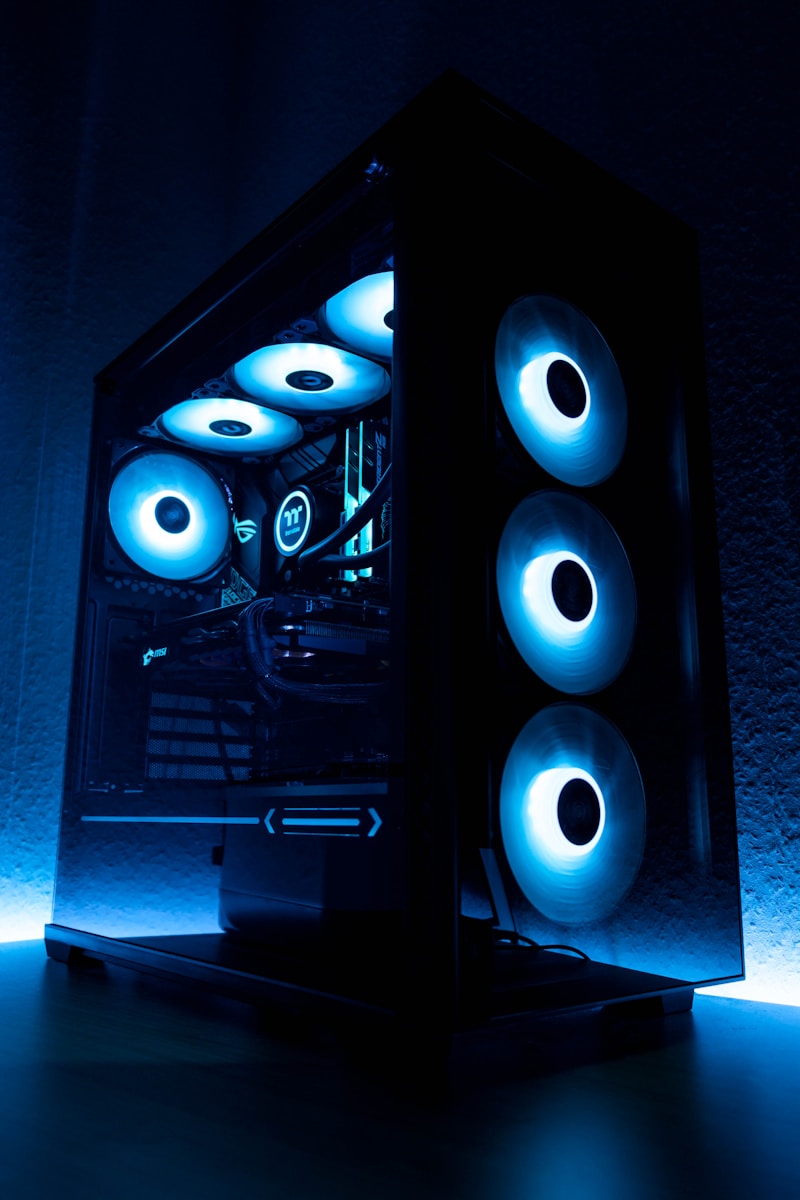
All computer components have a limited lifespan, but proper care can significantly extend their usable life:
Heat Damage: Excessive heat is the primary enemy of computer components. Overheating can damage processors, graphics cards, and other sensitive electronics.
Dust Accumulation: Dust clogs cooling systems, traps heat, and can cause electrical shorts in extreme cases.
Power Fluctuations: Sudden power surges or unstable power supply can damage sensitive components.
Physical Damage: Drops, bumps, and improper handling can damage internal components, especially in laptops.
Moisture and Humidity: Excessive humidity can cause corrosion and electrical problems.
Dust is the most common cause of overheating. Clean your computer regularly:
For Desktop Computers:
For Laptops:
Use software like HWMonitor or Core Temp to track your component temperatures:
If temperatures are consistently high, investigate cooling improvements.
For desktop computers, consider these airflow improvements:
Power surges from lightning strikes or grid fluctuations can instantly destroy computer components. Always connect your computer to a quality surge protector.
An Uninterruptible Power Supply (UPS) provides additional benefits:
Avoid forcing shutdowns by holding the power button unless absolutely necessary. Proper shutdowns allow the system to complete write operations and park hard drive heads safely.
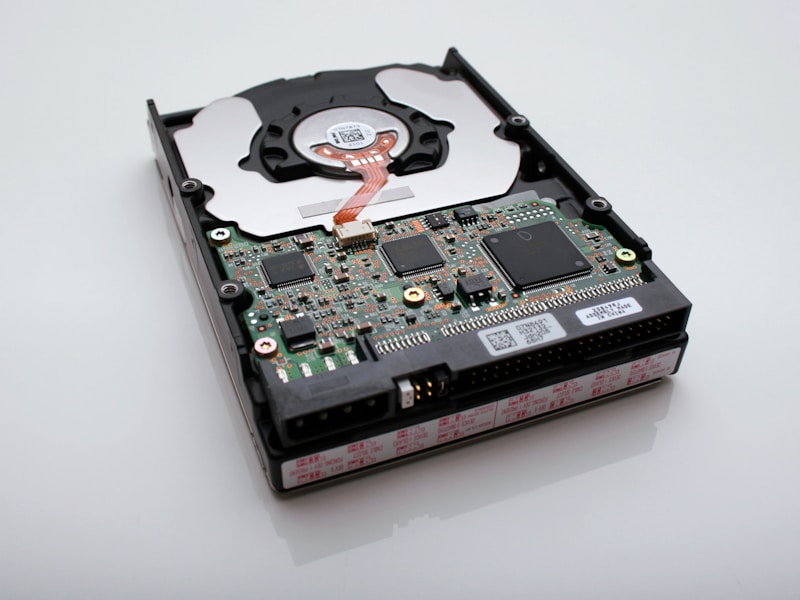
For traditional hard drives:
For solid-state drives:
Laptop batteries degrade over time, but proper care extends their useful life:
Every few months, fully discharge the battery (to about 5%) and then charge to 100% to calibrate the battery meter.
Clean screens properly to avoid damage:
Keep keyboards clean and functional:
Choose appropriate locations for your computer:
Monthly:
Quarterly:
Annually:
Proper hardware maintenance is an investment that pays dividends in reliability and longevity. By keeping your computer clean, cool, and protected from power issues, you can significantly extend its useful life and avoid costly repairs or premature replacement. Start with the basics like dust cleaning and surge protection, then build a comprehensive maintenance routine that keeps your computer running at its best for years to come.